 ShipGeek Docs
Dashboard
Your home screen after logging in — a snapshot of what needs attention and how the store is performing.
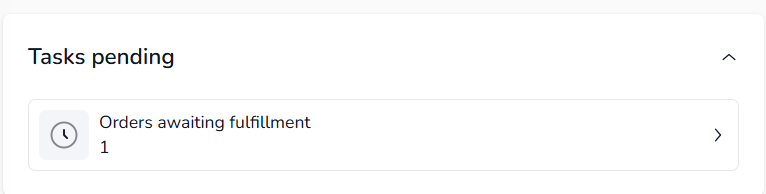
Tasks pending
Anything waiting on you shows up here first — for example, Orders awaiting fulfillment, with a count and a link straight to that list.
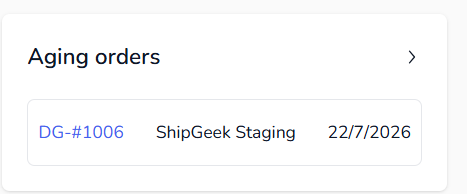
Aging orders
Orders that have been open the longest, so nothing slips through unfulfilled. Each row shows the order ID, source, and date — click through to see the full order.
Performance snapshot
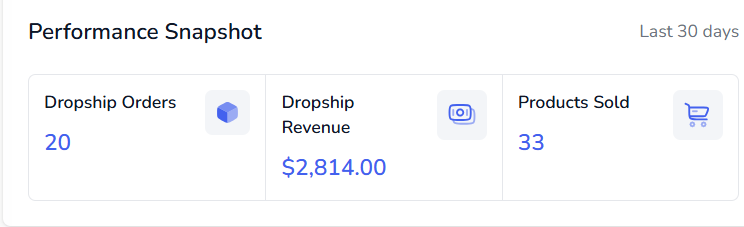
A rolling 30-day view of how the store is doing:
Dropship Orders
Total orders placed through DankGeek in the last 30 days.
Dropship Revenue
Revenue generated from those orders.
Products Sold
Total units sold across all published products.
Store growth
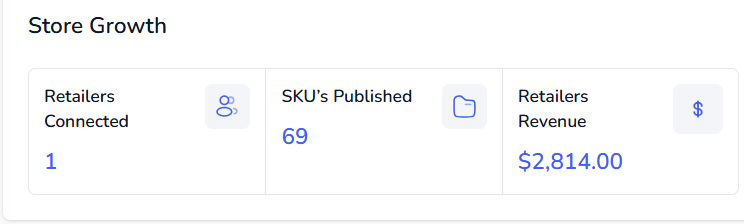
Retailers Connected
How many retailers currently carry your products.
SKUs Published
Total product variants live on the marketplace.
Retailers Revenue
Total revenue driven through connected retailers.
Accounting summary
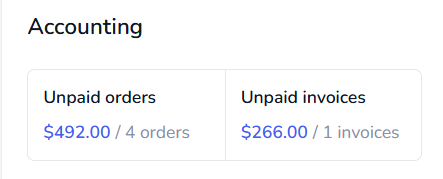
A quick look at what's outstanding — unpaid orders and unpaid invoices, each with a dollar total and count. See Accounting for the full invoicing flow.
Marketplace & store status
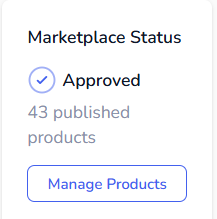
Marketplace Status
Shows how many products are currently published, with a Manage Products shortcut into Products.
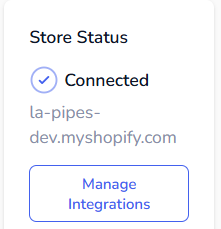
Store Status
Confirms your Shopify store is connected, with a Manage Integrations shortcut into Settings.